Remote Docker for Agents
Today I learned about Docker's --context flag that allows you to talk to another docker instance across the network. I've configured a context for my media server called media-server that points to a linux box on my Tailscale network. This is extremely useful to give your agent access to logs and status of remote docker containers so you're not having to play messenger.
Setup
Make sure you can SSH without a password prompt first (key-based auth). Then:
docker context create media-server --docker "host=ssh://remote-ip"
docker --context media-server ps  # verify it works
The context uses your local SSH agent, so treat it like SSH access.
The Rules
I added this snippet to my .cursorrules:
### Agent Guidelines for Remote Inspection

- **Read-Only Only**: Agents are permitted to inspect the remote state for debugging purposes but must NEVER attempt to modify the remote state (e.g., no `up`, `down`, `stop`, `rm`, or `pull` on the remote server).
- **Use Context**: Use the `media-server` Docker context for all remote inspection commands by adding the `--context media-server` flag.
- **Allowed Commands**:
  - `docker --context media-server ps`: Check service status
  - `docker --context media-server logs --tail 50 <container>`: Check for errors
  - `docker --context media-server inspect <container>`: Check configuration
  - `docker --context media-server stats --no-stream`: Check resource usage
  - `docker --context media-server network ls`: List networks
  - `docker --context media-server top <container>`: View processes

**CRITICAL**: If you need to apply changes to the server, provide the user with the instructions or the code to commit. The user is responsible for the deployment flow (Git push/pull) on the remote host.
Example
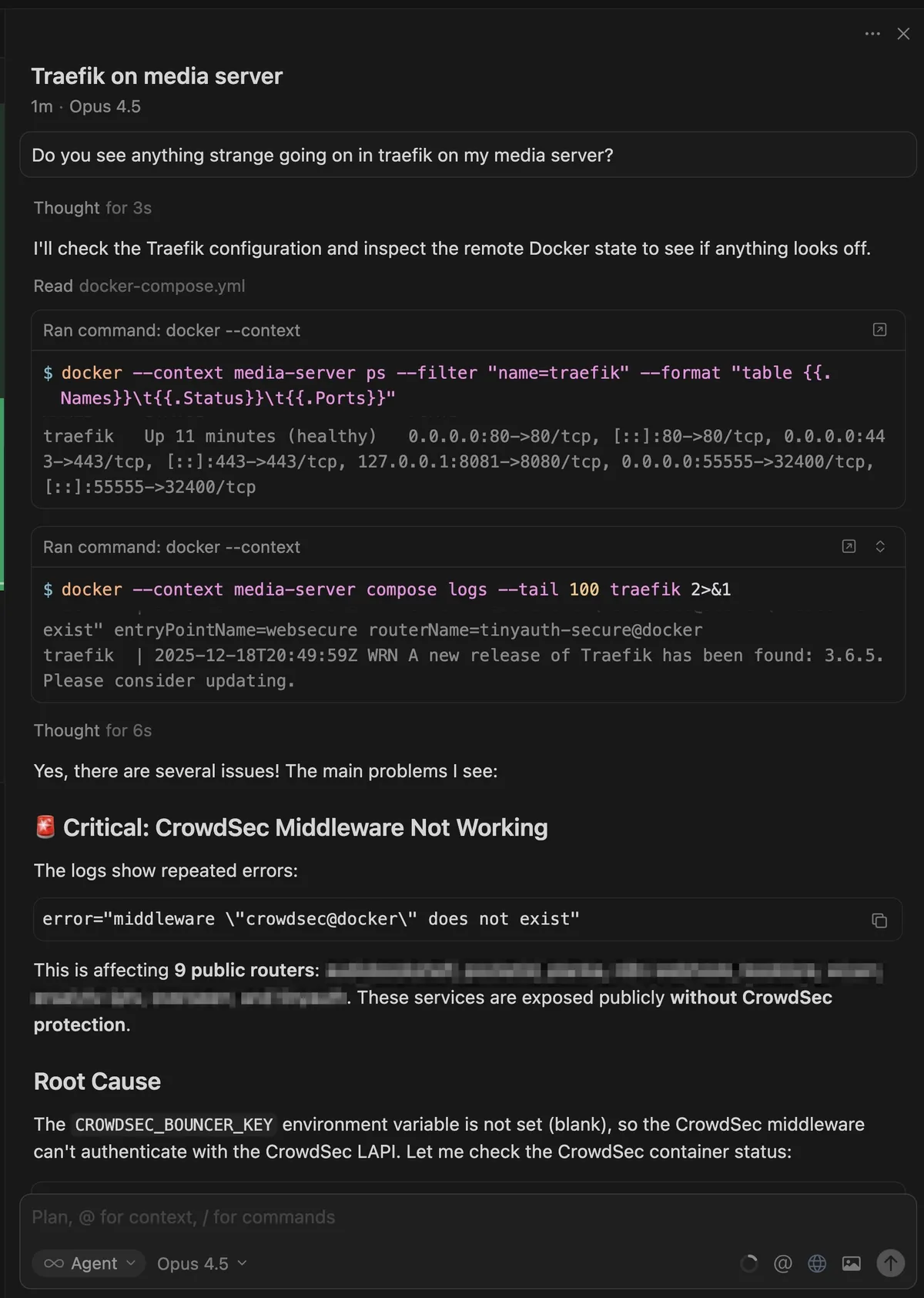
That CrowdSec error is transient as CrowdSec boots for the first time. I should tell my agent to ignore that!